
BMW
Wähl dein BMW Modell aus, um die ISA-Warnsignale dauerhaft auszuschalten
So funktioniert's
Hol dir deine kostenlose Konfigurationsdatei in wenigen Minuten. Kein technisches Wissen nötig – einfach diesen Schritten folgen.
1. Wähl dein Modell
Wähl dein BMW Modell unten aus. Wir erstellen dir eine personalisierte Konfigurationsdatei für dein Auto.
2. Runterladen & Auf USB kopieren
Nachdem du ein kostenloses Konto erstellt hast, lad deine Konfigurationsdatei runter und kopier sie auf einen USB-Stick (FAT32-Format).
3. Einstecken & Ruhe genießen
Steck den USB in den Port deines Autos. Dein Auto lädt automatisch die Konfiguration und schaltet die ISA-Geräusche dauerhaft aus.
100% Sicher & Umkehrbar
Unsere USB-basierte Lösung ändert die Software deines Autos nicht dauerhaft. Die Konfiguration läuft vom USB-Stick – einfach rausziehen, schon ist alles wieder wie vorher. Alle anderen Sicherheitsfeatures funktionieren weiterhin normal.
Jedes unterstützte BMW-Modell nutzt Geschwindigkeitsbegrenzungs-Assistent für Geschwindigkeitswarnungen. Beepaway schaltet diese Audio-Warnungen stumm und dämpft auch Fahreraufmerksamkeitswarnung — jeder Hersteller benennt diese Systeme im Infotainment-Menü anders.
Wähl dein BMW Modell aus
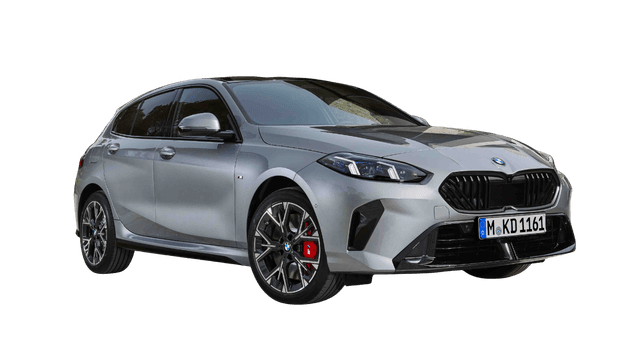
Geschwindigkeitsbegrenzungs-Assistent
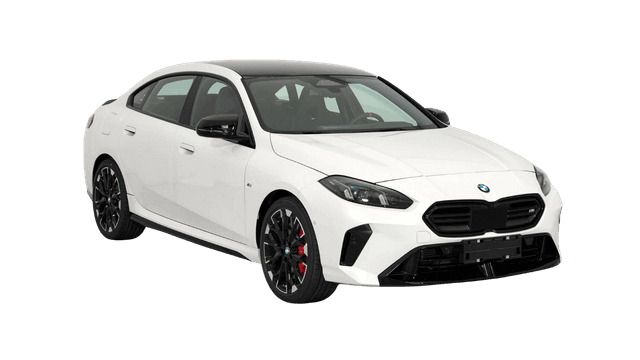
Geschwindigkeitsbegrenzungs-Assistent
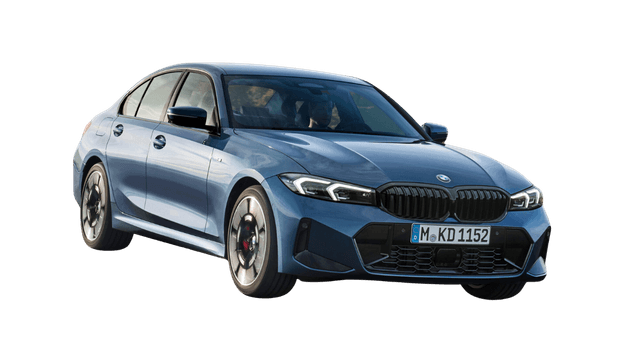
Geschwindigkeitsbegrenzungs-Assistent
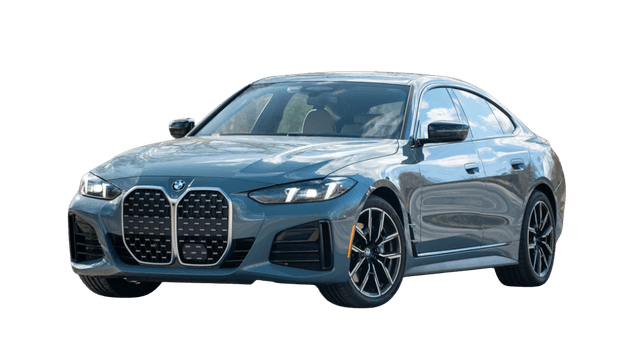
Geschwindigkeitsbegrenzungs-Assistent
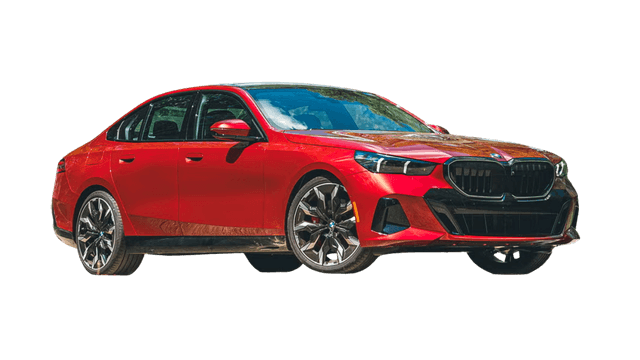
Geschwindigkeitsbegrenzungs-Assistent
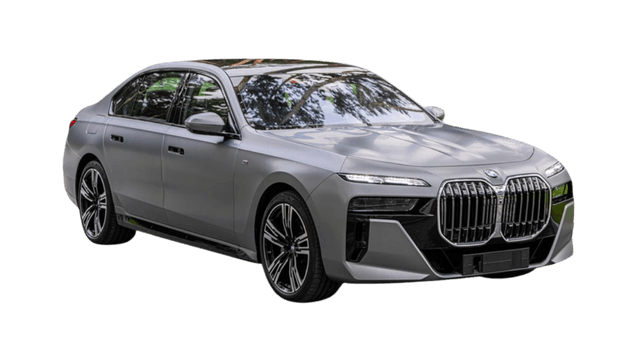
Geschwindigkeitsbegrenzungs-Assistent
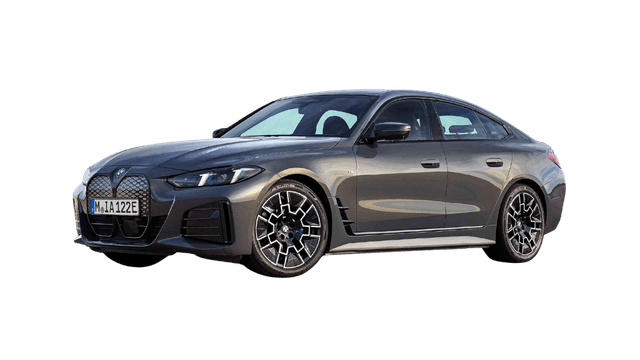
Geschwindigkeitsbegrenzungs-Assistent
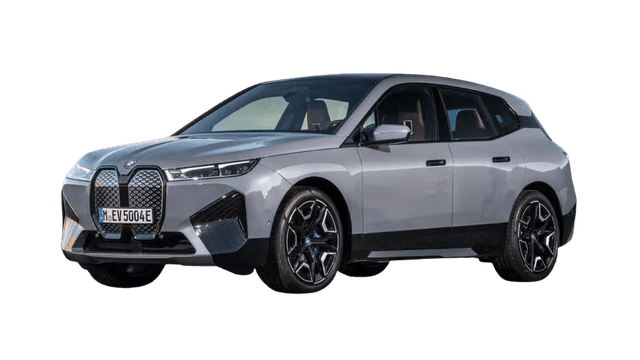
Geschwindigkeitsbegrenzungs-Assistent
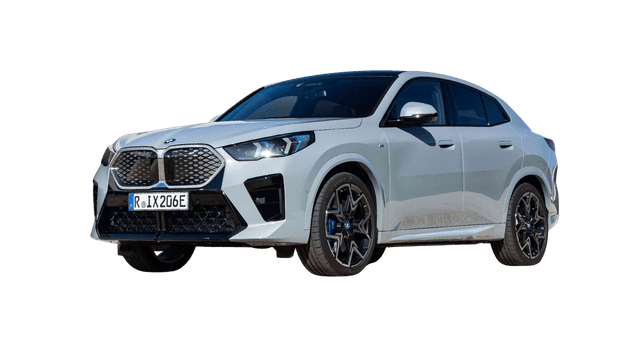
Geschwindigkeitsbegrenzungs-Assistent
Geschwindigkeitsbegrenzungs-Assistent
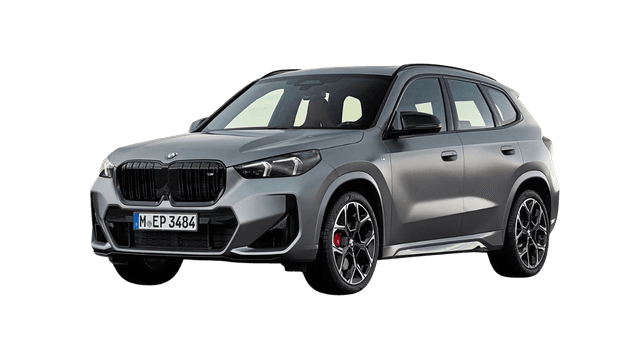
Geschwindigkeitsbegrenzungs-Assistent
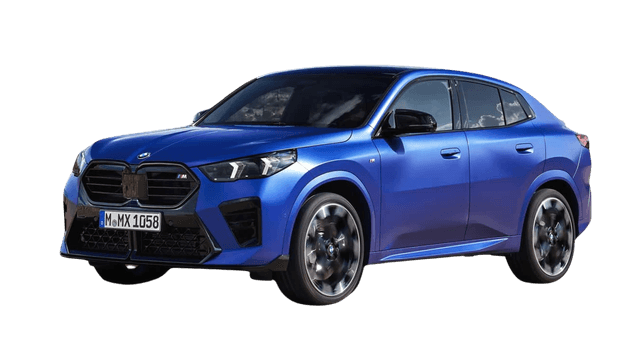
Geschwindigkeitsbegrenzungs-Assistent
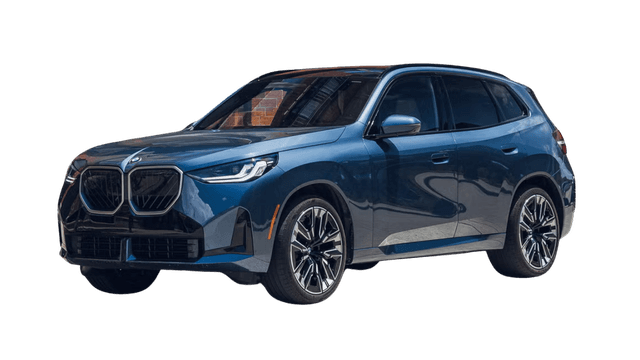
Geschwindigkeitsbegrenzungs-Assistent
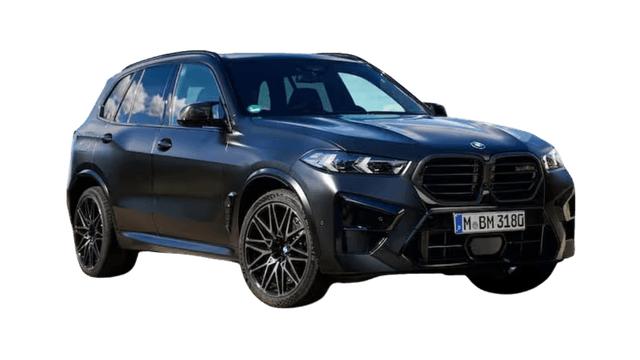
Geschwindigkeitsbegrenzungs-Assistent

Geschwindigkeitsbegrenzungs-Assistent
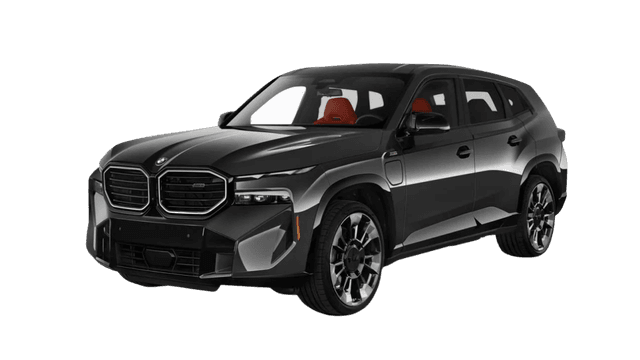
Geschwindigkeitsbegrenzungs-Assistent
Wir fügen ständig Unterstützung für neue Modelle hinzu. Frag nach Unterstützung für dein BMW-Modell.