
Opel
Wähl dein Opel Modell aus, um die ISA-Warnsignale dauerhaft auszuschalten
So funktioniert's
Hol dir deine kostenlose Konfigurationsdatei in wenigen Minuten. Kein technisches Wissen nötig – einfach diesen Schritten folgen.
1. Wähl dein Modell
Wähl dein Opel Modell unten aus. Wir erstellen dir eine personalisierte Konfigurationsdatei für dein Auto.
2. Runterladen & Auf USB kopieren
Nachdem du ein kostenloses Konto erstellt hast, lad deine Konfigurationsdatei runter und kopier sie auf einen USB-Stick (FAT32-Format).
3. Einstecken & Ruhe genießen
Steck den USB in den Port deines Autos. Dein Auto lädt automatisch die Konfiguration und schaltet die ISA-Geräusche dauerhaft aus.
100% Sicher & Umkehrbar
Unsere USB-basierte Lösung ändert die Software deines Autos nicht dauerhaft. Die Konfiguration läuft vom USB-Stick – einfach rausziehen, schon ist alles wieder wie vorher. Alle anderen Sicherheitsfeatures funktionieren weiterhin normal.
Jedes unterstützte Opel-Modell nutzt Intelligente Geschwindigkeitsassistenz (ISA) für Geschwindigkeitswarnungen. Beepaway schaltet diese Audio-Warnungen stumm und dämpft auch verwandte Fahrerassistenz-Audio-Warnungen — jeder Hersteller benennt diese Systeme im Infotainment-Menü anders.
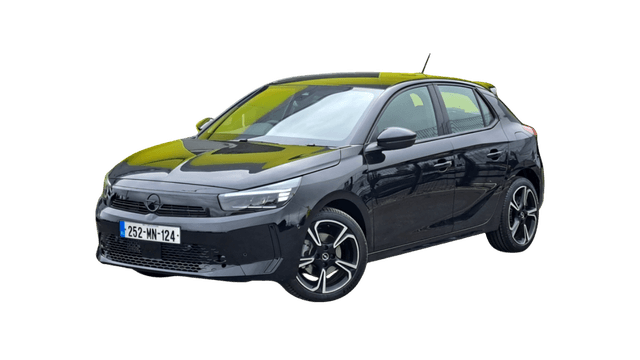
Wähl dein Opel Modell aus

Intelligente Geschwindigkeitsassistenz (ISA)
Intelligente Geschwindigkeitsassistenz (ISA)

Intelligente Geschwindigkeitsassistenz (ISA)

Intelligente Geschwindigkeitsassistenz (ISA)

Intelligente Geschwindigkeitsassistenz (ISA)

Intelligente Geschwindigkeitsassistenz (ISA)
Wir fügen ständig Unterstützung für neue Modelle hinzu. Frag nach Unterstützung für dein Opel-Modell.