How It Works
From website to silence in 4 simple steps
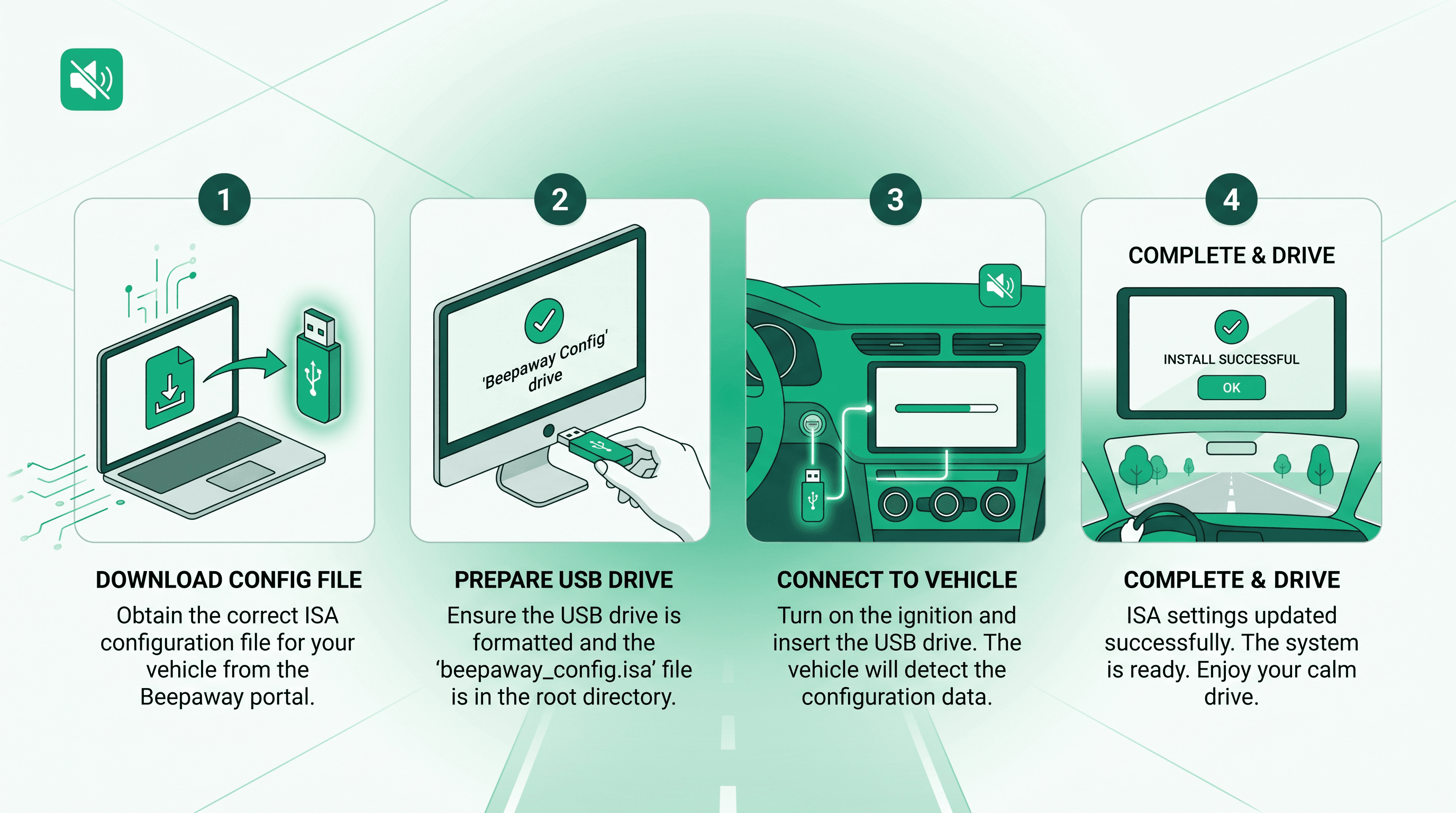
Beepaway creates a personalised config file for your car. Copy it to a USB stick, plug it into your infotainment system, and ISA beeps are gone — automatically, with no menus or dealer visits.
The same process works for every modern ISA-equipped car — regardless of brand or model.
Select Your Car
Make, model & year
Pick your manufacturer, model, and year from our database of 50+ supported vehicles.
Enter VIN & Generate
Free account + your file
Create a free account, enter your 17-character VIN, and we generate a config file matched to your exact vehicle.
Load to USB
Copy file to USB drive
Download your .bin file from My Configs and copy it to a FAT32 USB stick.
Plug In & Done
Auto-apply, enjoy silence
Insert the USB into your car. The infotainment system loads the file automatically — no prompts needed.
Example Walkthrough
Here's what the process looks like from start to finish
- 1Select your manufacturer, model, and year in the configure wizard
- 2Create a free account and enter your 17-character VIN
- 3Generate your config — file saved as Make_Model_Year_ISA.bin
- 4Copy the file to a FAT32 USB stick
- 5Plug the USB into the center-console port — ISA beeps stop instantly
Why Your VIN Matters
Your Vehicle Identification Number is a unique 17-character code. Beepaway uses it to match the config file to your exact car — not just the model, but your specific vehicle.
The file is tailored to your vehicle's specifications, including model year and trim variations.
Each config is tied to your VIN and cannot be used on a different car.
Check your registration document, insurance card, or the metal plate on the driver's side dashboard.
What Stays Active
Beepaway only silences ISA audio alerts. Every other safety feature keeps working normally.
Fully reversible
Unplug the USB stick and factory ISA audio behaviour returns immediately. No permanent changes to your car's software.
USB Stick Requirements
Any standard USB flash drive works — here's what you need
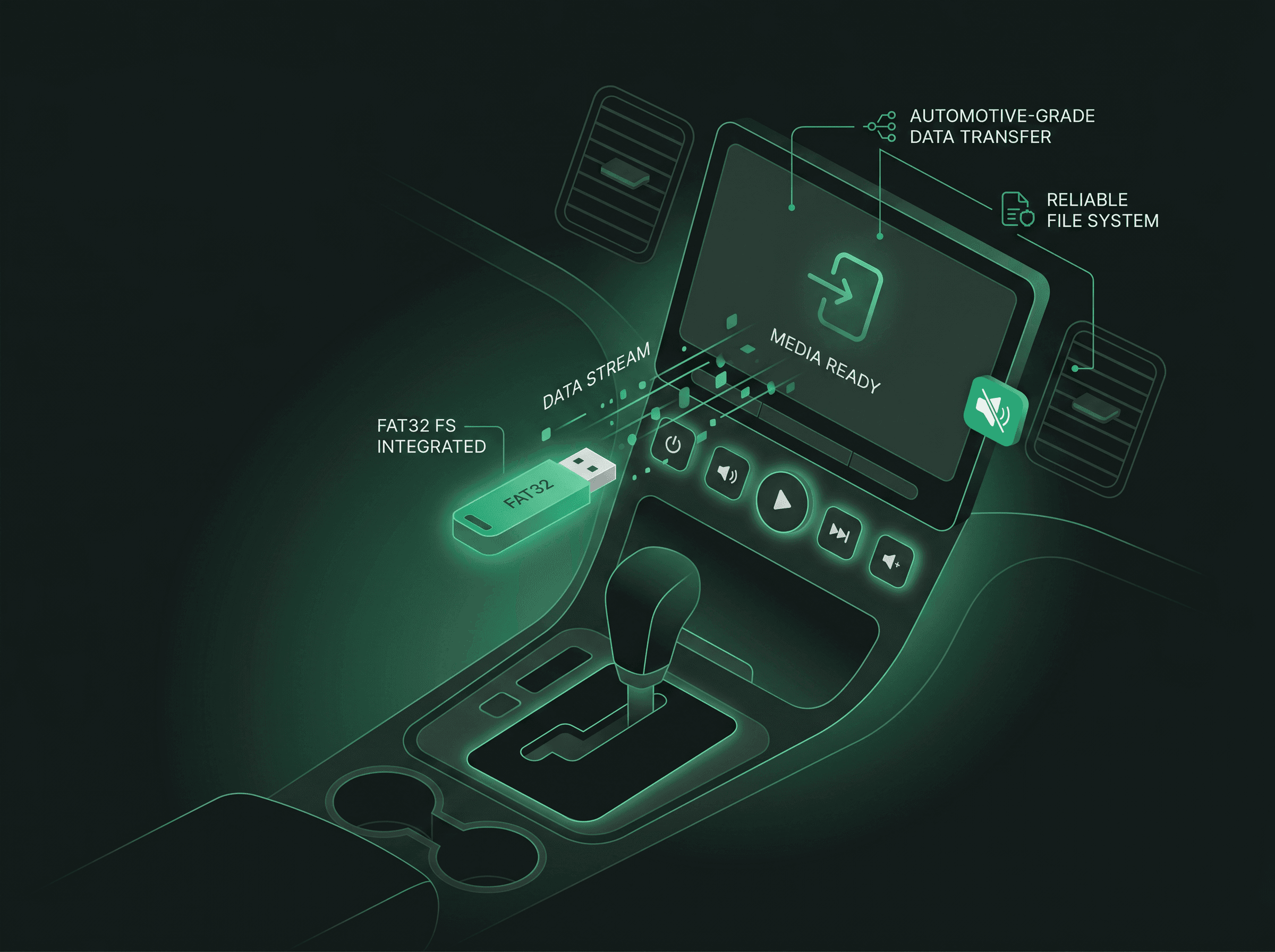
Format the drive as FAT32 before copying your config file.
The config file is tiny, but some cars reject nearly-full drives.
Copy the .bin file to the top level of the USB — not inside a folder.
Use the infotainment USB port in the center console, not a charging-only port.
The Complete Flow
From your browser to a quiet drive — here's the full journey
Detailed Installation Guide
Follow these steps for a successful installation on any supported vehicle
1. Select Your Vehicle
Open the configure wizard and choose your manufacturer, model, and year. The same picker works for every brand in our database of 50+ supported vehicles.
2. Create a Free Account
Sign up with your name, email, and password. It takes less than 30 seconds and costs nothing. Your account stores your config files so you can download them again anytime.
3. Enter Your VIN & Generate
Type your 17-character Vehicle Identification Number. Beepaway validates and analyses it, then generates a personalised .bin config file named Make_Model_Year_ISA.bin. The file is unique to your vehicle.
4. Download & Prepare USB
Go to My Configs and download your file when it is ready. Format a USB stick as FAT32, copy the .bin file to the root of the drive, and safely eject it.
5. Install in Your Car
Insert the USB into your vehicle's infotainment USB port — usually in the center console. Your car automatically detects and loads the configuration file. ISA warning sounds are silenced immediately with no on-screen prompts. The config stays active as long as the USB is inserted.
6. Confirm It Worked
Take a short test drive above the speed limit in a safe area. You should no longer hear ISA beeps or chimes. Visual warnings and all other safety systems remain fully functional.
Troubleshooting
Common issues and how to fix them
Reformat the drive as FAT32, ensure at least 1 GB free space, place the .bin file in the root directory, and try a different USB stick. Check your owner's manual for format requirements.
Open a support ticket in your dashboard — we add new models regularly. The process works for all modern ISA-equipped cars even as our list grows.
Restart your vehicle, re-insert the USB stick, and confirm the filename matches your car (e.g. Make_Model_Year_ISA.bin). Make sure you selected the correct make, model, and year.
Double-check all 17 characters — VINs never contain I, O, or Q. Use the number from your registration document. If validation fails but your VIN is correct, you can continue anyway on the VIN step.
Ready to Silence the Beeps?
Create your free config file in minutes. Works with every modern ISA-equipped car.