
Turn Off Geely Intelligent Speed Assist (ISA) & Driver attention warning Beeps
Select your Geely model to permanently disable ISA warning sounds
How It Works
Get your free configuration file in minutes, then follow your setup guide. Some vehicles also need a separate OBD dongle.
1. Select Your Model
Choose your Geely model below. We'll generate a personalized config file for your vehicle.
2. Download & Load to USB
After creating a free account, download your config file and copy it to any USB drive (FAT32 format).
3. Apply & Enjoy Silence
Apply the file as your setup guide describes. Some vehicles load it from the USB port; others need a separate OBD dongle.
100% Safe & Reversible
Our USB-based solution doesn't modify your vehicle's software permanently. The configuration runs from the USB drive -simply unplug it to restore factory behavior. All other safety features remain fully functional.
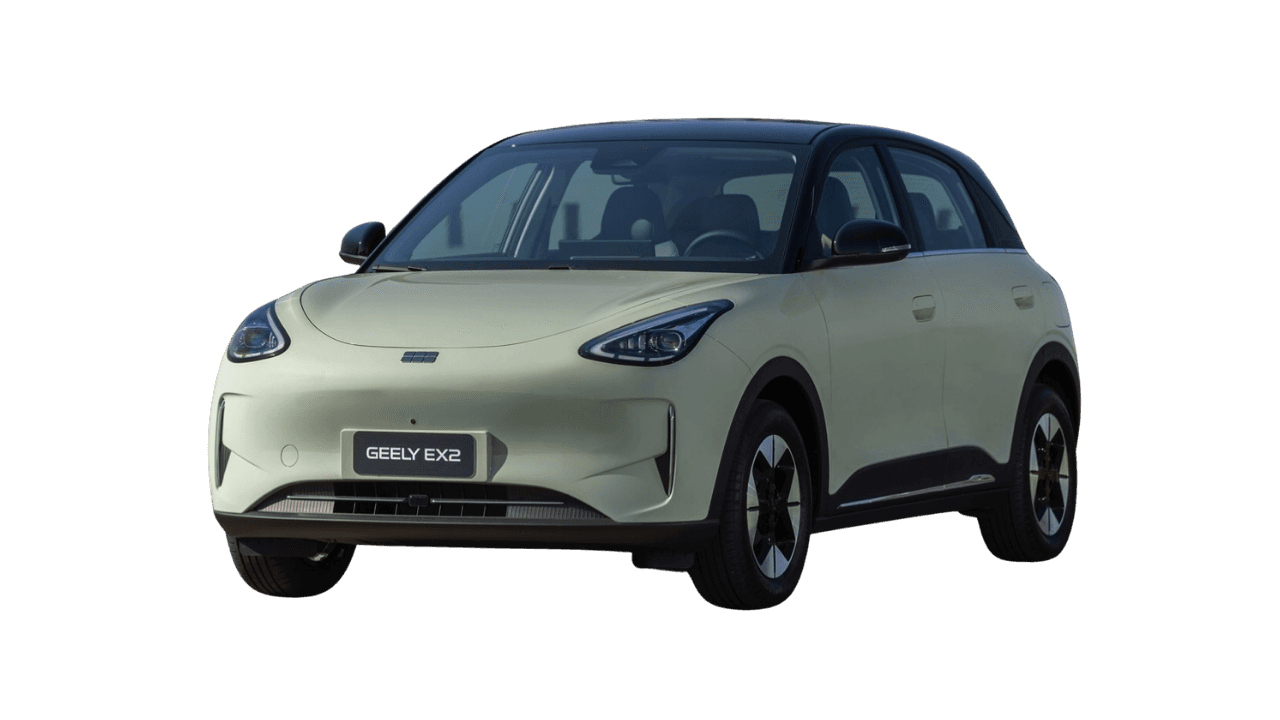
Beeps we silence in a Geely
| Name | What you hear | Factory menu | Resets each trip? | Beepaway silences it permanently |
|---|---|---|---|---|
| Intelligent Speed Assist (ISA) | Chime or bong when you go over the detected limit. | Settings → Driver assistance. The factory switch turns itself back on at every start. | Yes | Permanently |
| Driver attention warning | Take-a-break beep, often a false alarm on a long drive. | Settings → Driver assistance. The factory switch turns itself back on at every start. | Yes | Permanently |
Select Your Geely Model
Intelligent Speed Assist (ISA)
We're constantly adding support for new models. Request support for your specific Geely model.