
Hyundai
Select your Hyundai model to permanently disable ISA warning sounds
How It Works
Get your free configuration file in minutes. No technical knowledge required -just follow these simple steps.
1. Select Your Model
Choose your Hyundai model below. We'll generate a personalized config file for your vehicle.
2. Download & Load to USB
After creating a free account, download your config file and copy it to any USB drive (FAT32 format).
3. Plug In & Enjoy Silence
Insert the USB into your car's port. Your vehicle automatically loads the configuration and silences ISA sounds permanently.
100% Safe & Reversible
Our USB-based solution doesn't modify your vehicle's software permanently. The configuration runs from the USB drive -simply unplug it to restore factory behavior. All other safety features remain fully functional.
Every supported Hyundai model uses Intelligent Speed Limit Assist (ISLA) for speed-limit warnings. Beepaway silences those audio alerts and also mutes Driver Attention Alert and Lane Keeping Assist — each manufacturer names these systems differently in the infotainment menus.
Select Your Hyundai Model
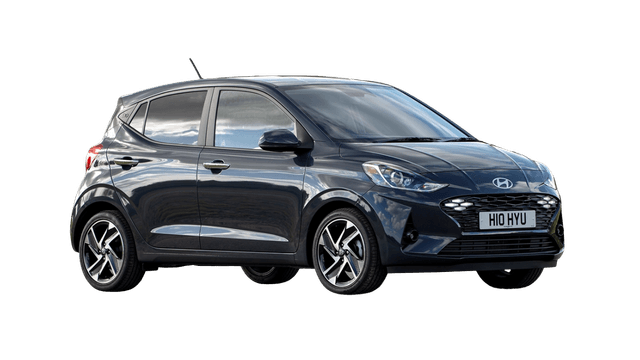
Intelligent Speed Limit Assist (ISLA)
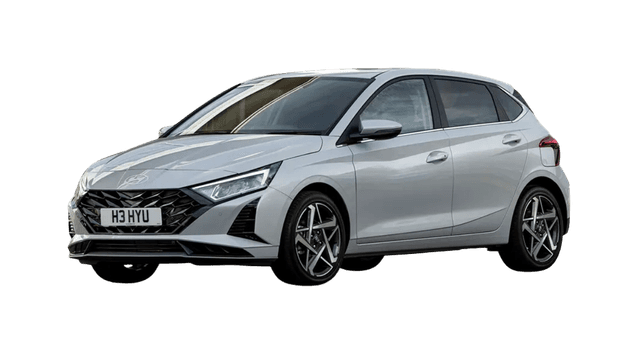
Intelligent Speed Limit Assist (ISLA)
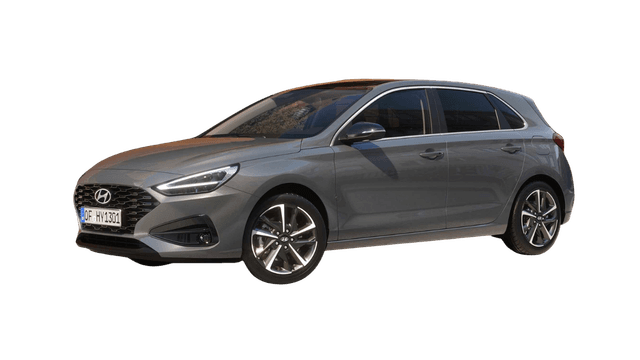
Intelligent Speed Limit Assist (ISLA)
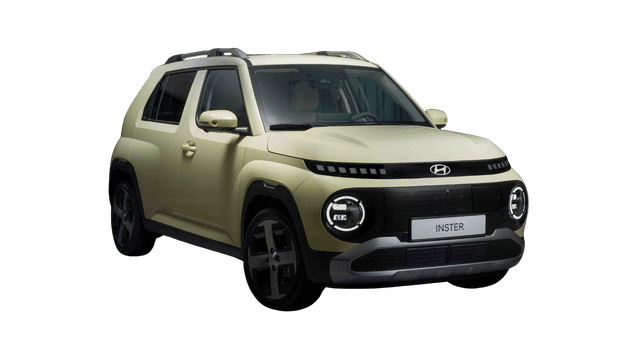
Intelligent Speed Limit Assist (ISLA)
Intelligent Speed Limit Assist (ISLA)
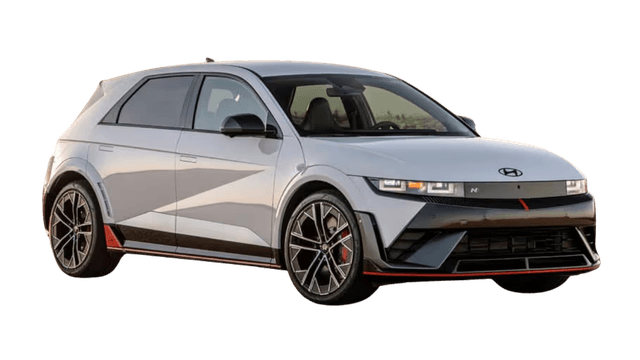
Intelligent Speed Limit Assist (ISLA)
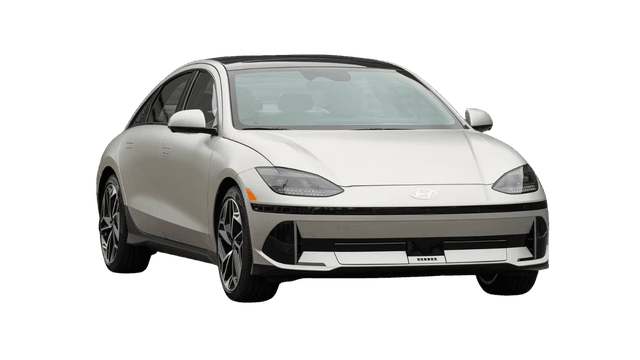
Intelligent Speed Limit Assist (ISLA)
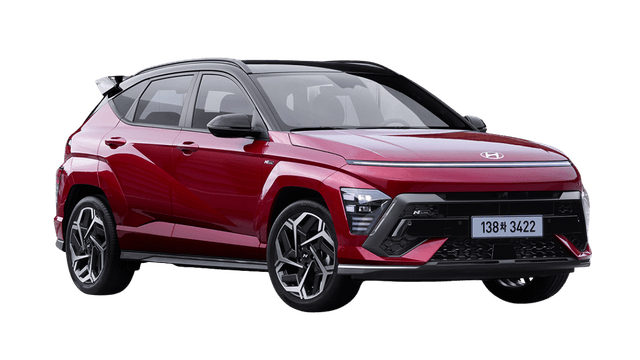
Intelligent Speed Limit Assist (ISLA)
Intelligent Speed Limit Assist (ISLA)
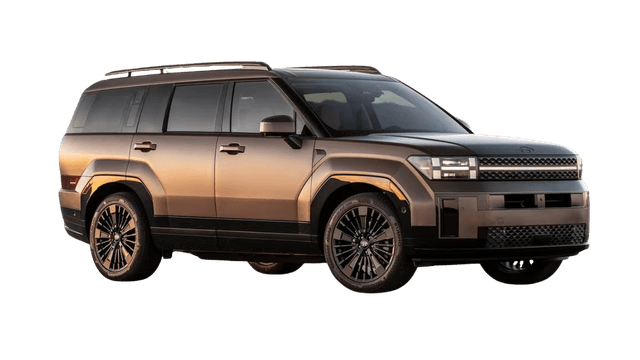
Intelligent Speed Limit Assist (ISLA)
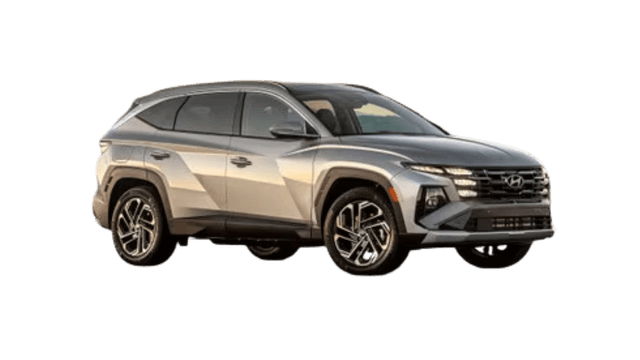
Intelligent Speed Limit Assist (ISLA)
We're constantly adding support for new models. Request support for your specific Hyundai model.