
Silence the Beeps.Once Forever
Free USB config to disable ISA speed warning sounds — beeps off, visual limits stay on.
How It Works
1. Select Your Car
Make, model & year
2. Enter VIN & Generate
Free account + your file
3. Load to USB
Copy file to USB drive
4. Plug In & Done
Auto-apply, enjoy silence
Select the Affected Car Make
Choose your vehicle manufacturer to see available models
The Problem
Tired of Your Car Beeping at You Every Single Drive?
EU regulations require manufacturers to install Intelligent Speed Assistance (ISA) systems that beep, chime, and alert you constantly -even when you're just 1-2 mph over the limit.
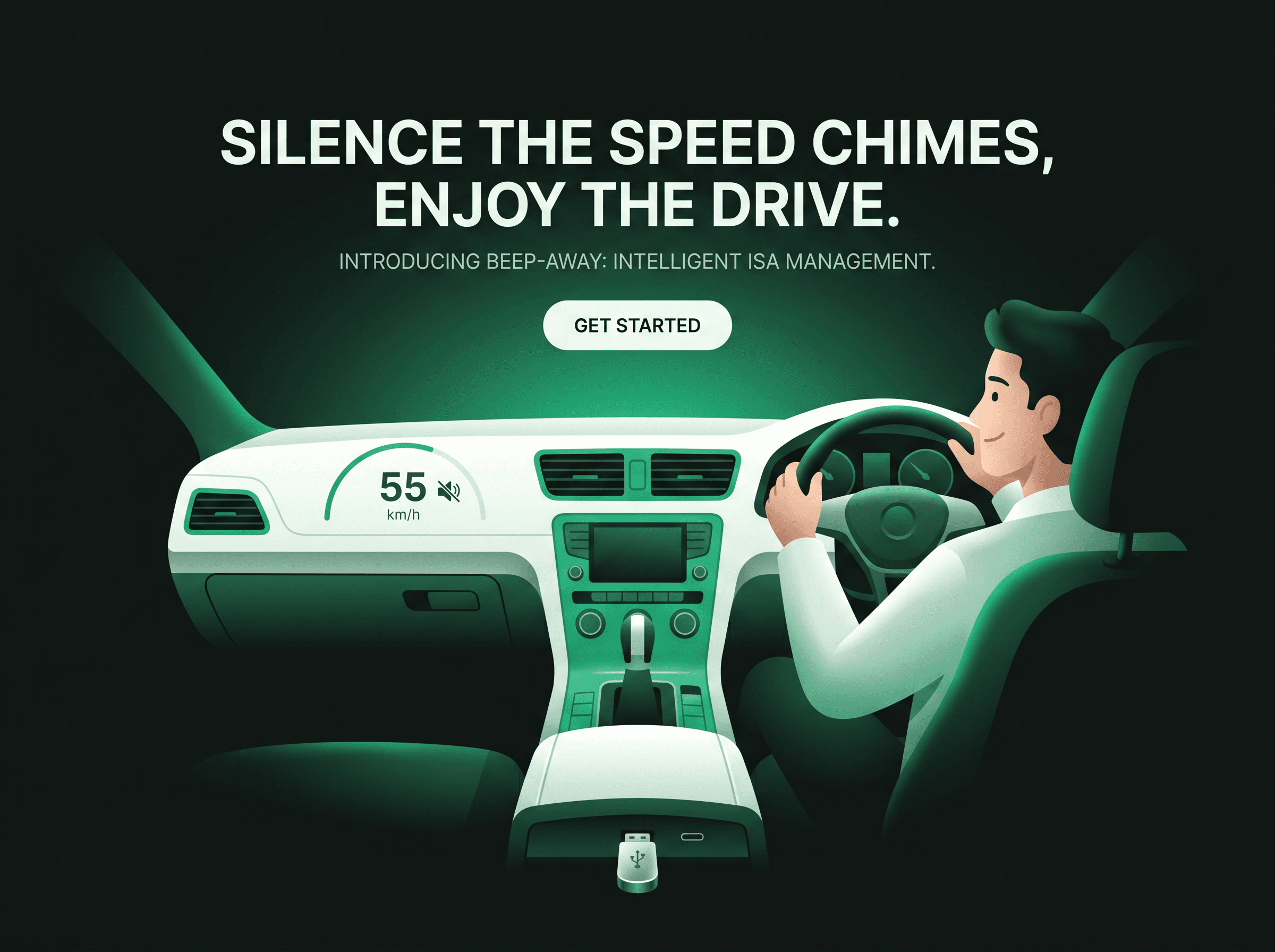
Loud, intrusive beeps that reset every time you start your car
False alarms from misread speed signs
Deep menu navigation just to mute (temporarily)
No permanent "off" option from manufacturers
Distracting alerts that actually reduce safety
You're Not Alone
Owners of Honda, Toyota, Hyundai, Kia, Tesla, BMW, Mercedes-Benz, and dozens of other brands are experiencing the same frustration. Online forums are flooded with complaints about these "safety" features that make driving miserable.
How Drivers Search for Speed Warning Solutions
Not every driver calls it "ISA." Some describe the beeps, others hunt for traffic-sign menus, and many just want a quick mute. Below we answer the searches we see most often — in plain language, with what actually works and what stays on for safety.
How do I disable speed limit alerts in my car?
How do I turn off the speed warning chime?
Where are traffic sign recognition / ISA settings?
Is there a speed limit assist mute shortcut?
In-dash settings vs. Beepaway
Your car may offer partial controls under Driver Assistance, Traffic Sign Recognition, or Speed Limit Assist. Those menus can be buried, model-year dependent, or reset after ignition. Beepaway provides a VIN-matched USB configuration that silences ISA audio alerts while keeping visual speed warnings active. Remove the USB anytime to restore factory chimes.
How It Works
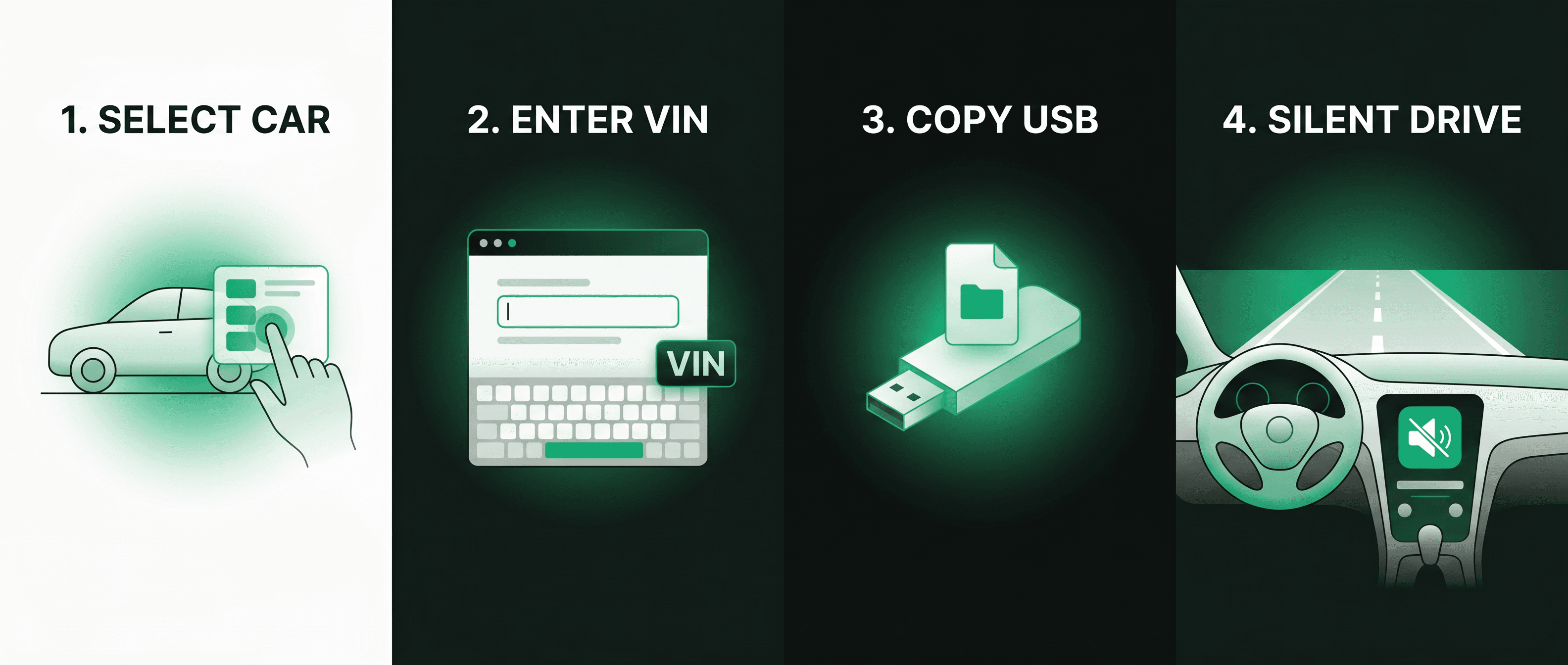
Select Your Car
Make, model & year
Enter VIN & Generate
Free account + your file
Load to USB
Copy file to USB drive
Plug In & Done
Auto-apply, enjoy silence
The Solution
Beepaway: The Simple Solution You've Been Waiting For
What We Do
Beepaway provides model-specific configuration files that permanently disable ISA warning sounds in your vehicle -100% free. Simply create a free account, download your config file, load it onto a USB drive, plug it into your car, and enjoy silence.
Why It Works
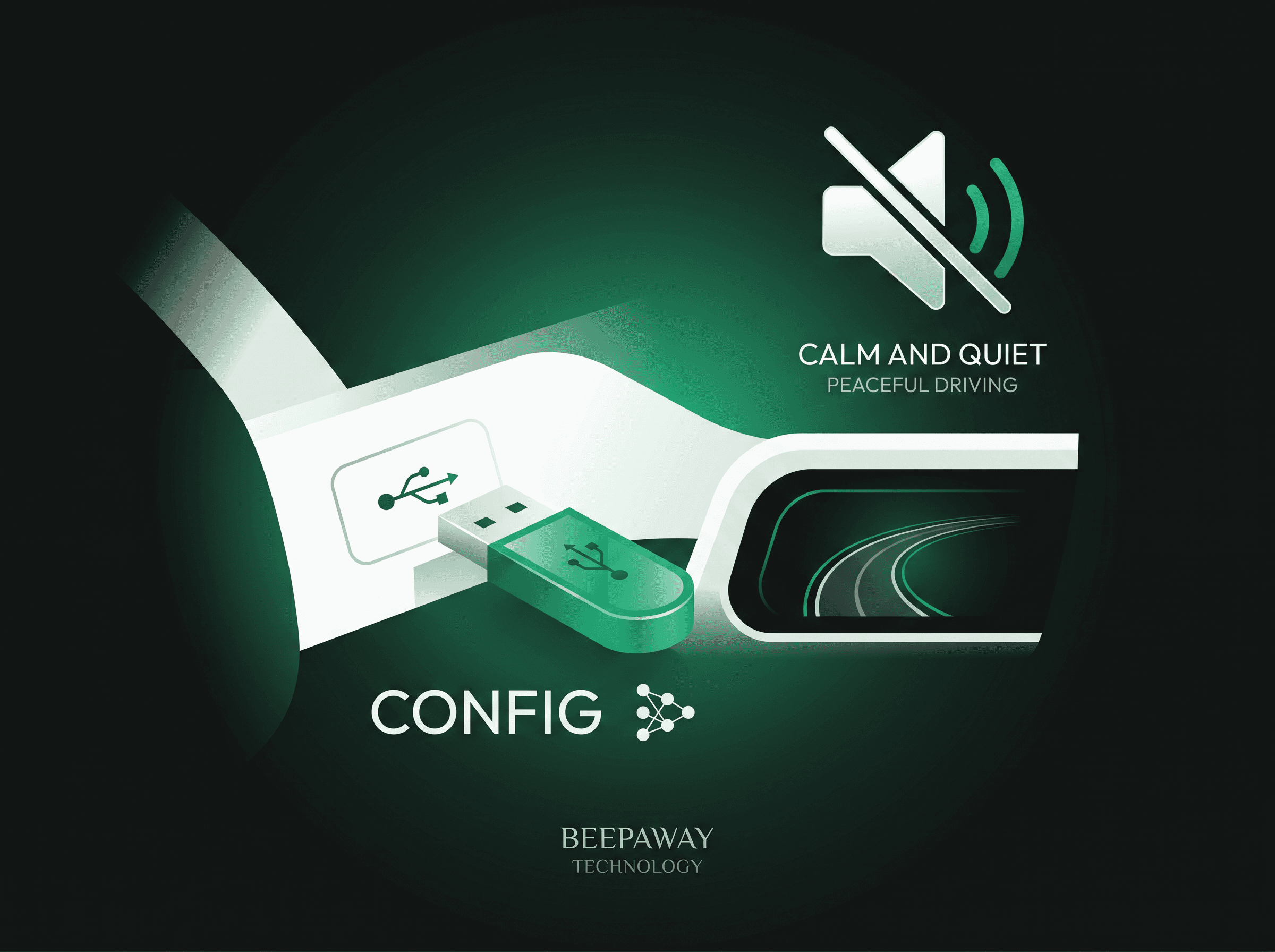
Modern vehicles use software-based safety systems. Our USB configuration file modifies the settings that control ISA behavior, disabling audio alerts while maintaining all other safety features. The configuration runs from the USB drive -simply unplug it to restore factory behavior. This approach doesn't affect your vehicle's safety ratings or warranty.
Why Free?
We believe car owners shouldn't have to pay to fix a problem they didn't create. Beepaway is our way of helping drivers restore control over their vehicles.
Benefits
Why Thousands of Drivers Choose Beepaway
Instant Relief
No more waiting for dealership appointments or software updates. Get your config file in minutes and disable the beeps today.
Model-Specific
We support 50+ vehicle models with precise configurations for your exact make, model, and year. No guesswork.
Safe & Reversible
Our USB-based solution doesn't affect your vehicle's safety systems or warranty. Simply unplug the USB drive to restore factory behavior -no reset needed.
Easy Installation
If you can use a USB drive, you can install Beepaway. Our step-by-step guides make it foolproof.
Completely Free
No payment required. No subscriptions. Forever free. We believe in helping drivers, not profiting from their frustration.
Unlimited Configs
Generate config files for as many vehicles as you need. All free. No limits, no restrictions.
Trusted by Drivers
Join 10,000+ Drivers Who've Silenced Their ISA Systems
10,000+ configs downloaded
4.9/5 average rating
98% success rate
I was ready to sell my Honda Civic because of the constant beeping. Beepaway saved me thousands and restored my sanity. Installation took 5 minutes.
Sarah M.
London
As a professional driver, the ISA alerts were driving me crazy. Beepaway's config for my Tesla Model 3 worked perfectly. Highly recommend!
James T.
Manchester
I was skeptical at first, but the config file worked exactly as described. My Hyundai Tucson is finally quiet again. Worth every penny.
Emma K.
Birmingham
Compatibility
Compatible with Major Brands & Models





































































Don't see your vehicle? Contact us -we're adding new models weekly.
Contact UsFrequently Asked Questions
Ready to Silence the Beeps?
Join thousands of drivers who've restored peace to their daily commute. Get your free config file today and enjoy quiet driving in minutes.